

Navicat for MySQL is a complete package designed for the unified management and development of MySQL and MariaDB databases. It features visual designers for database modeling and data illustration, comprehensive data management tools for importing, exporting, and synchronization, and a drag-and-drop query builder that simplifies SQL creation - making it an invaluable tool for both beginners and experienced developers.
Features

Streamlined for Tasks and Flow
Intuitive and well-designed GUI simplifies your database administration and development.


Navicat Collaboration
Navicat provides users with our Navicat Cloud service. Sync your connection settings and queries to the cloud so you can get real-time queries and connections anytime and anywhere. With Navicat Cloud, you can leverage every minute of your day to maximize your productivity. Learn more ›
Secure Connection
Navicat allows you to establish secure SSH sessions through SSH Tunneling, ensuring strong authentication and secure encryption between two hosts. The authentication method can use a password or a public/private key pair. Navicat also comes with HTTP Tunneling, allowing you to bypass ISP restrictions on direct database server connections.
Object Designer
Create, modify, and design database objects using professional object designers, available for all database objects such as Tables, Views, Functions/Procedures, and Events. Without the need to write complex SQL to create and edit objects, you’ll know exactly what you are working on.
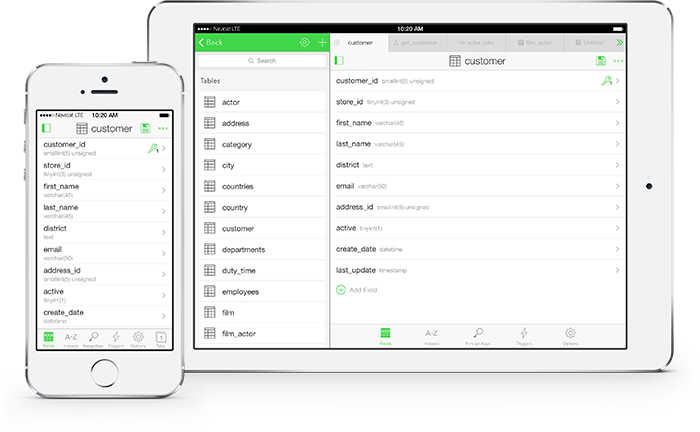
Table Viewer
Grid View
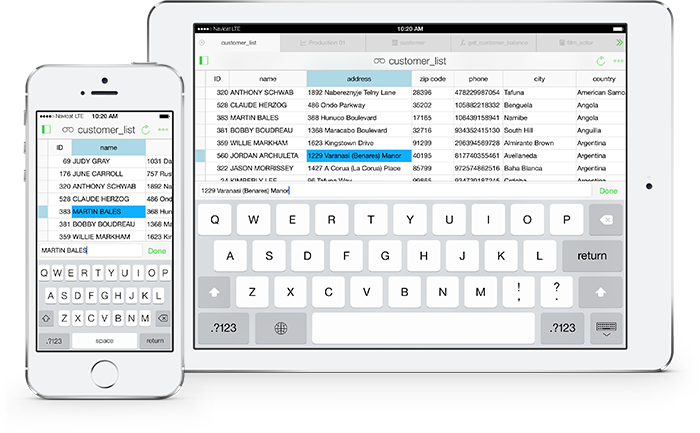
Add, modify, and delete records using Grid View. Navigate the Grid View with spreadsheet-like features, such as sorting and searching, or use our assistant editors like memos, images, and more.
Foreign Key Data Selection
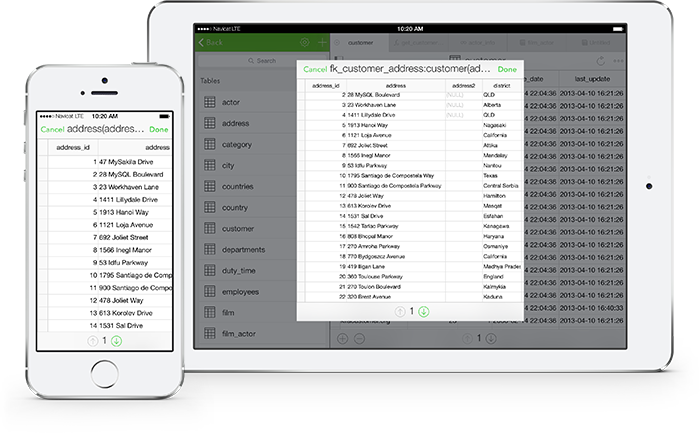
Use foreign key relationships in your database to anchor referenced lookup tables and automatically create dropdown lists. Without the need to constantly reference a master table, you can optimize your workflow and productivity.
SQL Builder/Editor
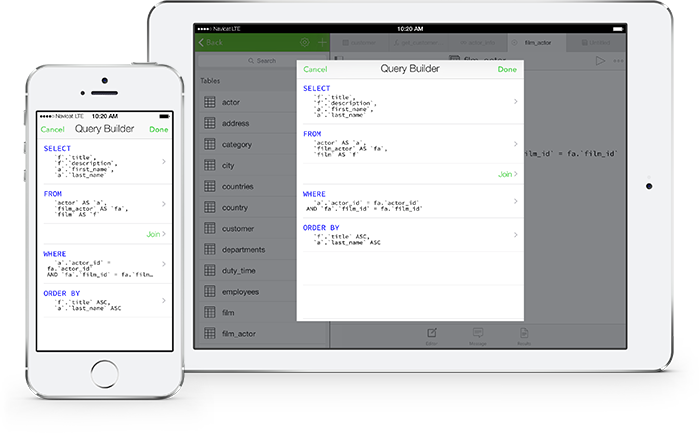
SQL Builder
SQL Builder allows you to create and edit queries/views without having to worry about syntax and proper usage of commands. Just choose the operation you would like to perform on the tables, and it will write the SQL statements for you.
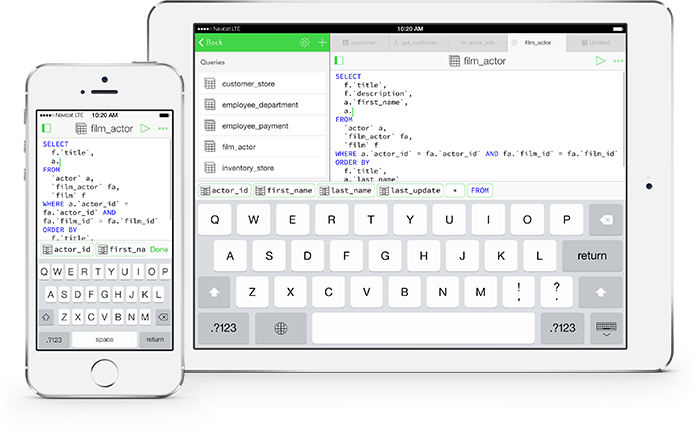
Code Completion
Quickly construct SQL statements in the SQL Editor with our code completion feature. Whether you want to select properties of database objects or SQL keywords, all it takes is a pick from the suggestion list.
Useful Tools
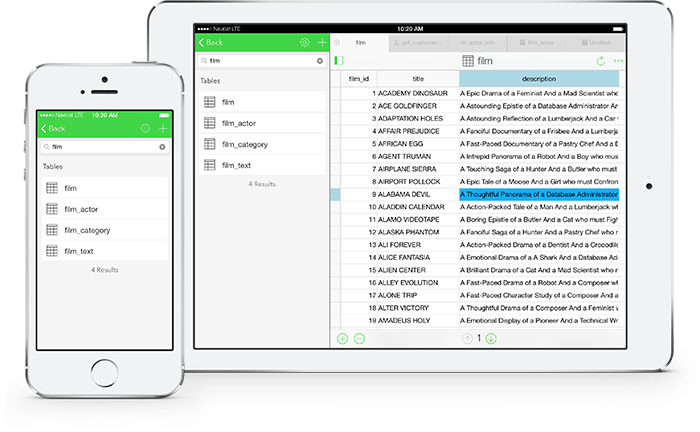
Tree/Object Filter
Use the Tree/Object Filter to narrow the list of displayed database objects. Simply type in the text and only objects that start with the specified string are shown.


(Other products are coming soon.)






Flatpak supported distributions.
Debian 10, Debian 11, Debian 12, Debian 13, Ubuntu 20.04, Ubuntu 22.04, Ubuntu 24.04, Ubuntu 26.04, Fedora 44, Linux Mint 20, Linux Mint 21, Linux Mint 22, Deepin 20, Deepin 23, Deepin 25, KylinOS Desktop 10, Pop!_OS 20.04, Pop!_OS 22.04
Debian 11, Debian 12, Debian 13, Ubuntu 22.04, Ubuntu 24.04, Ubuntu 26.04, Fedora 44, Linux Mint 20, Linux Mint 21, Linux Mint 22, Deepin 23, Deepin 25, KylinOS Desktop 10, Pop!_OS 20.04, Pop!_OS 22.04