

Backup & Restore
Back up with Navicat’s built-in tool, or with engine-native utilities, across relational, NoSQL, and key-value databases.
Built-in DBMS Backup & Restore
Choose which objects to include when you back up, restore, or extract SQL. You maintain full control over what is processed at every phase.
Backup Controls
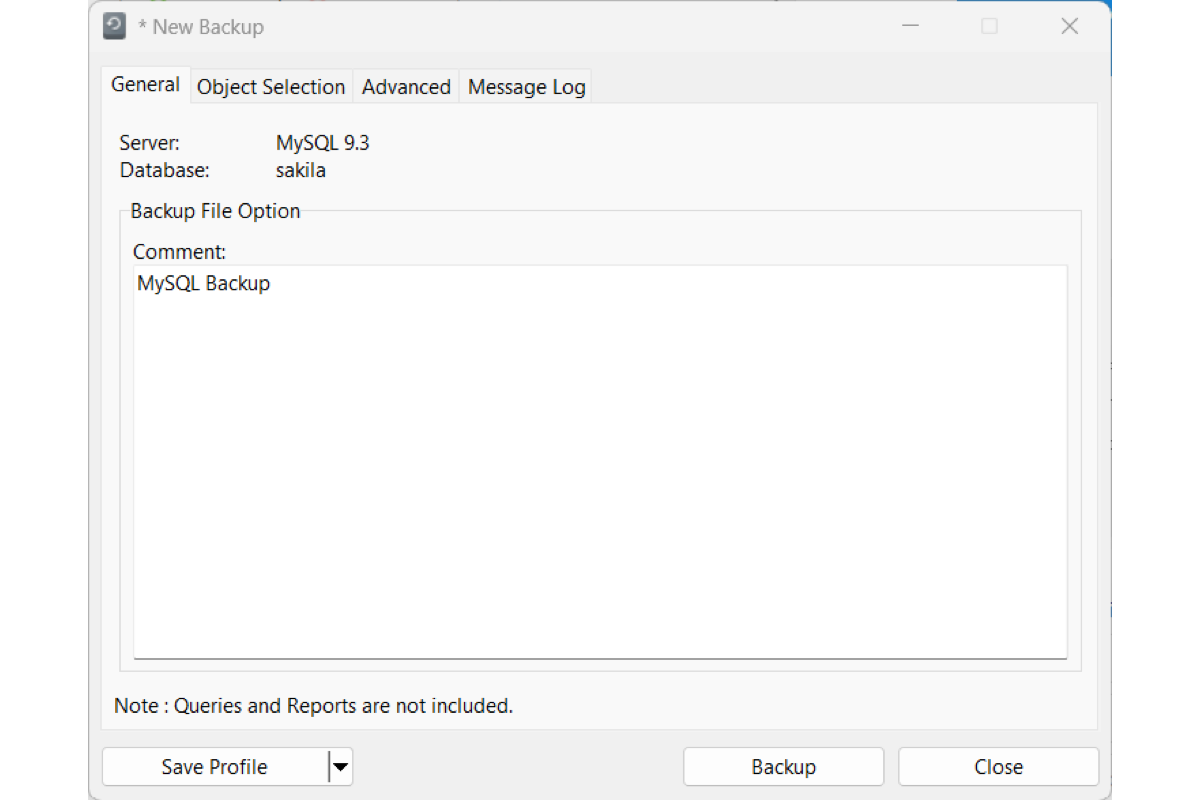
Set a custom filename and comment. Use a single transaction, or lock tables, when you need a consistent snapshot.

Restore Options
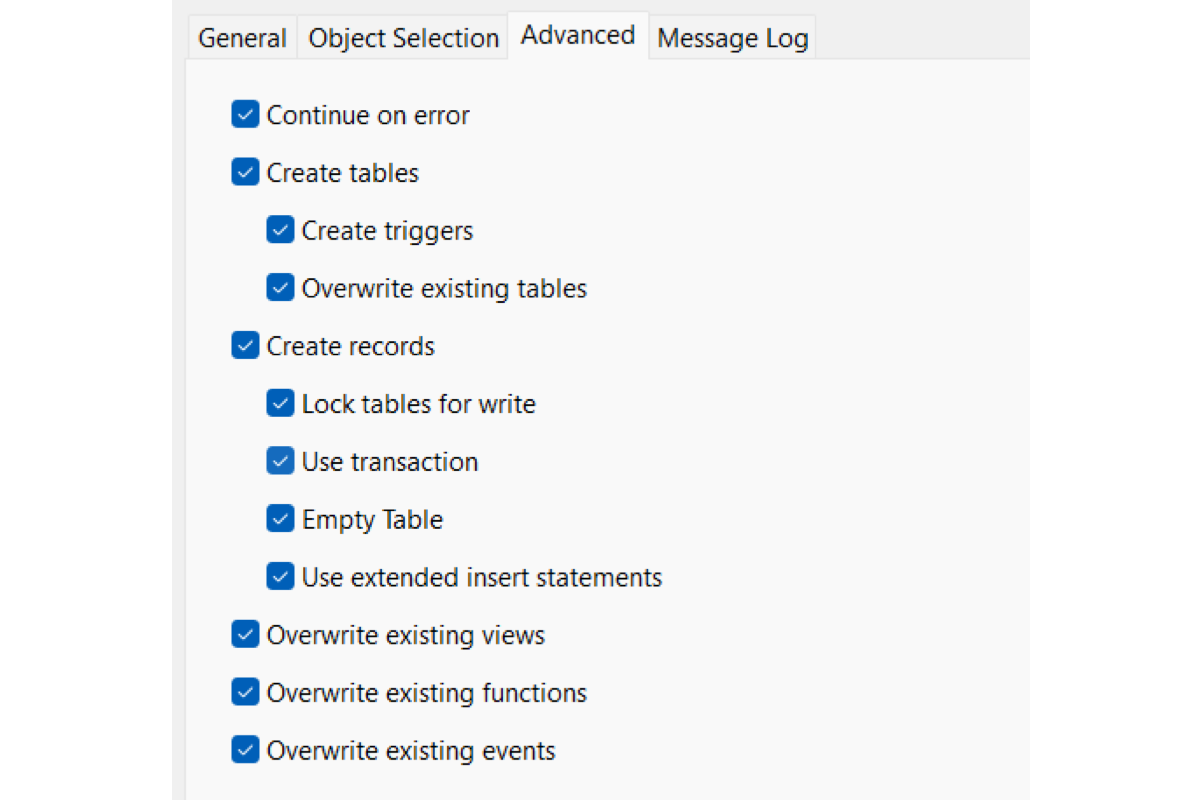
Restore into an existing database or a new one. Roll back on error, and choose what to overwrite.
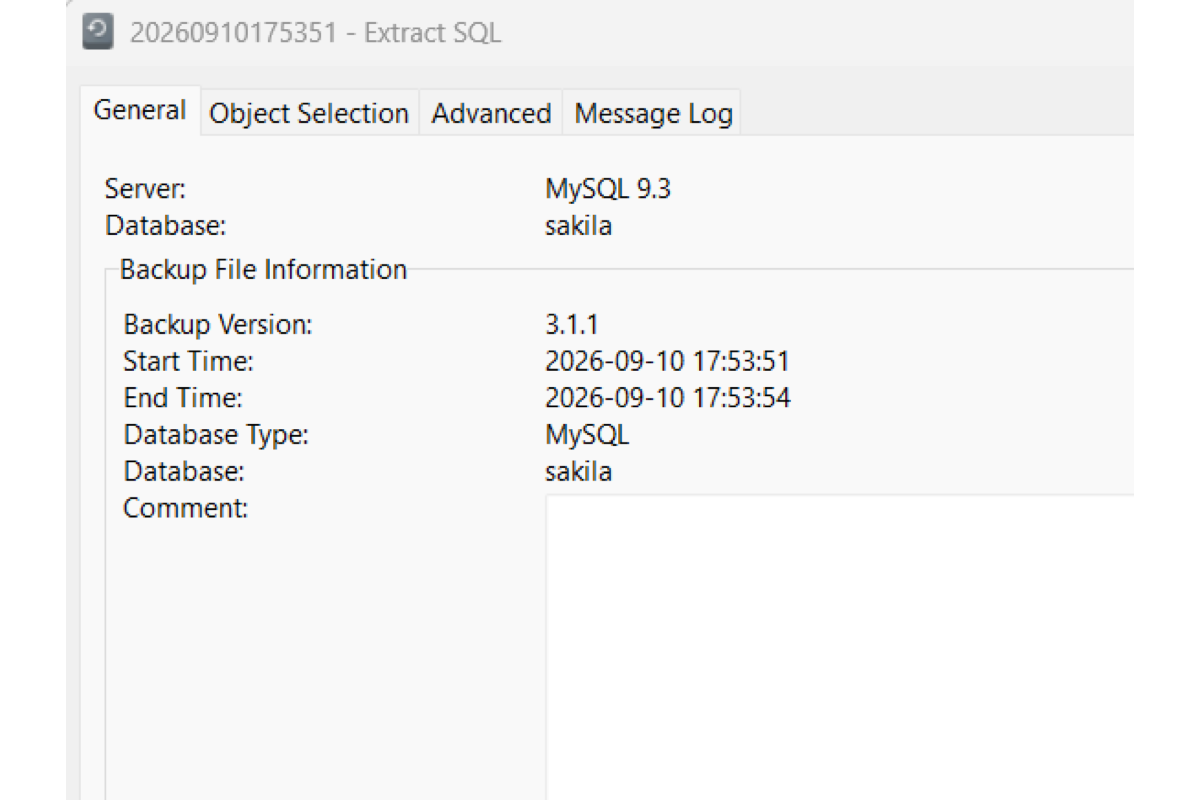
Extract SQL
Pull a SQL script from a backup file, including ones stored outside Navicat’s backup list.
Cross-Platform Restore
Restore a backup made on Windows, macOS, or Linux from any of those platforms.
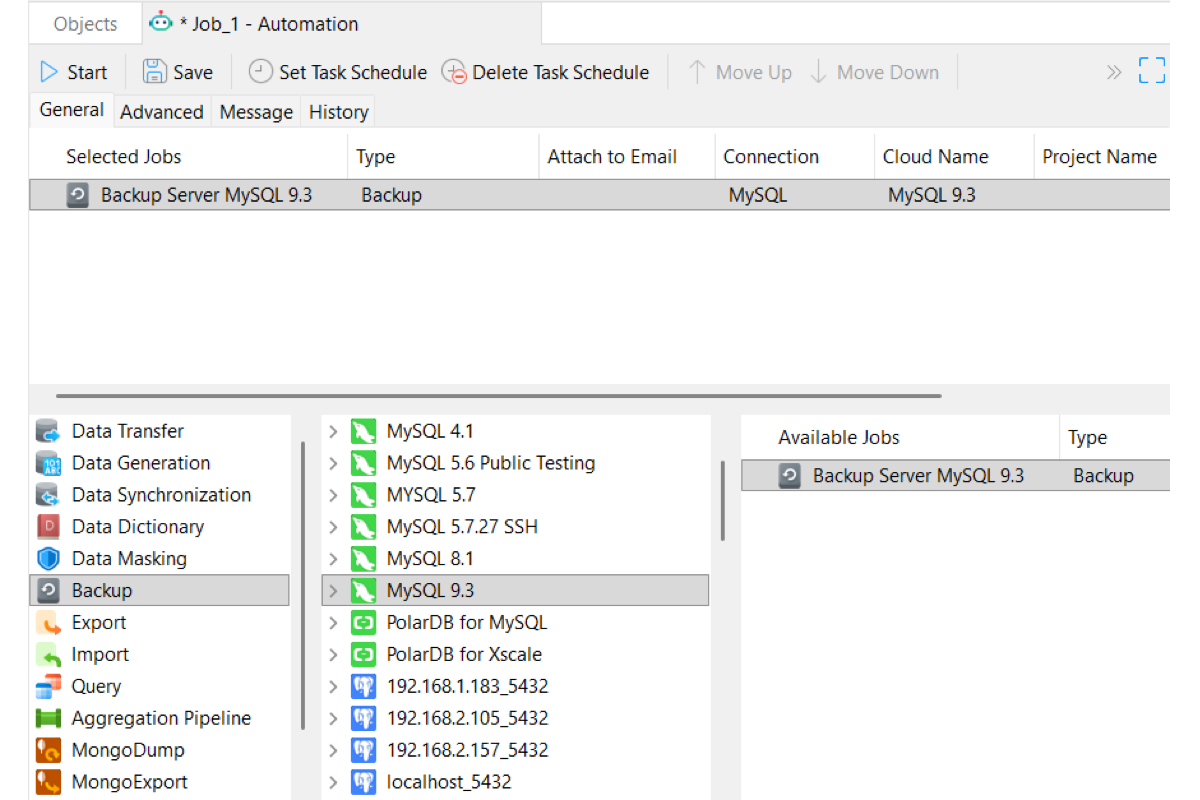
Save Profiles & Automate
Save the backup as a profile. Reload it anytime, or add it to Navicat Automation. Learn more
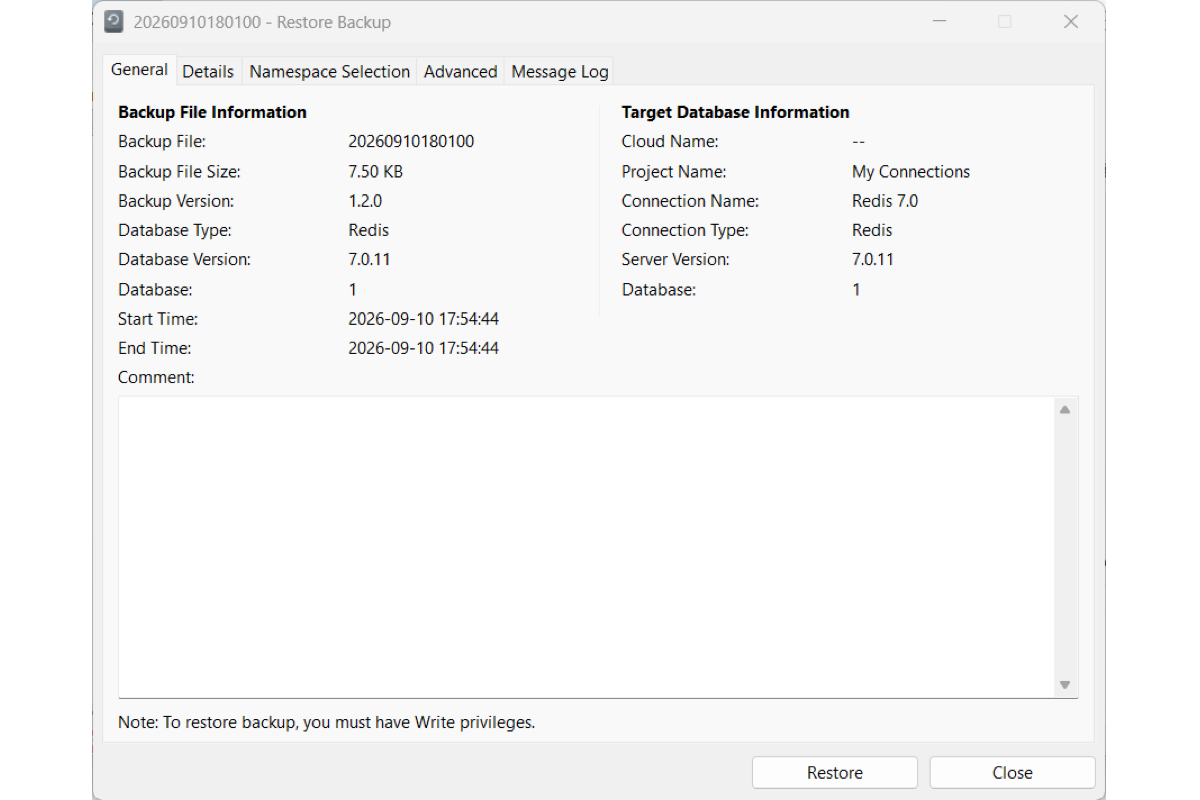
Built-in Redis Backup & Restore
Back up and restore Redis datasets in Navicat. Keep data structures intact, flush keys, and reload snapshots. Learn more
Native Engine Utilities
Run the engine’s own backup tools from Navicat: SQL Server Backup, Oracle Data Pump, and MongoDump.
Oracle Data Pump
High-performance server-side export and import for Oracle. Learn more
SQL Server Backup & Restore
Native .bak file management for full, differential, and transaction log backups. Learn more
MongoDump & MongoRestore
Export collections to native BSON, and restore them from a dump. Learn more
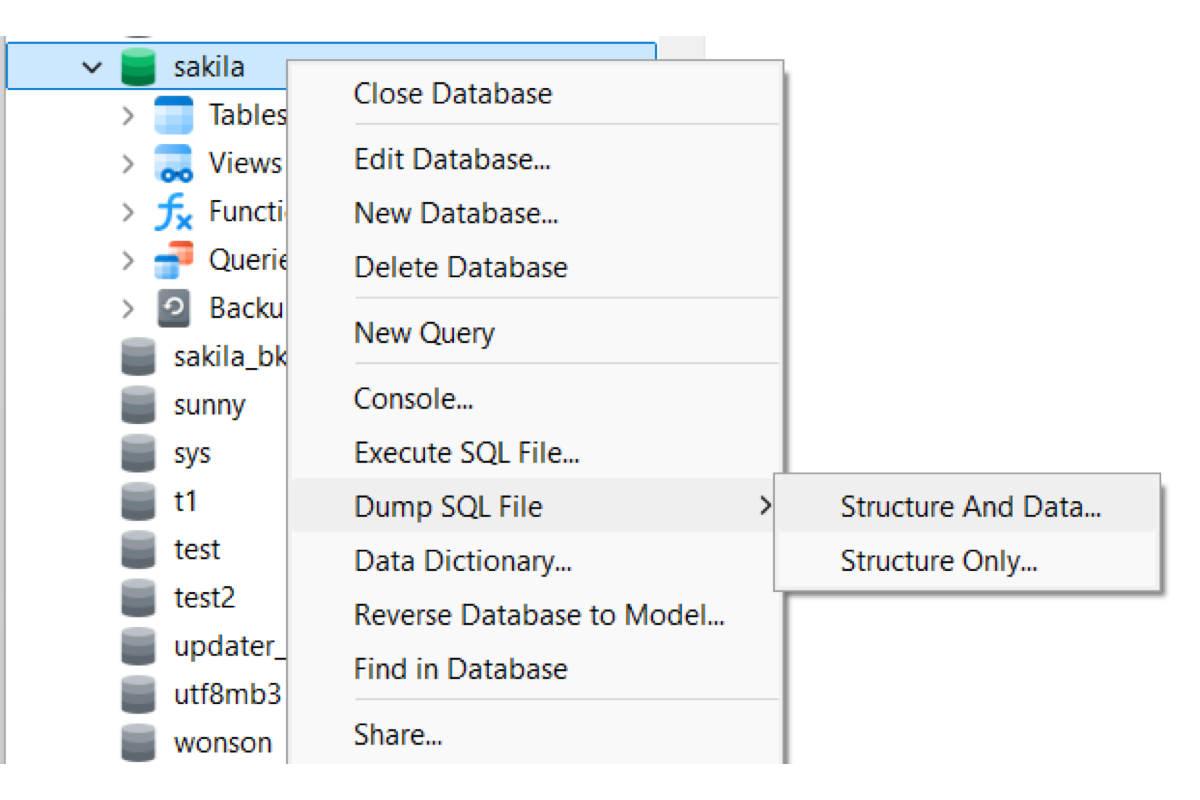
Dump & Execute Script Files
Dump structure and data to a script file, or run a large script with progress in the message log.