

Import & Export
Data Import
Multi-Format Support
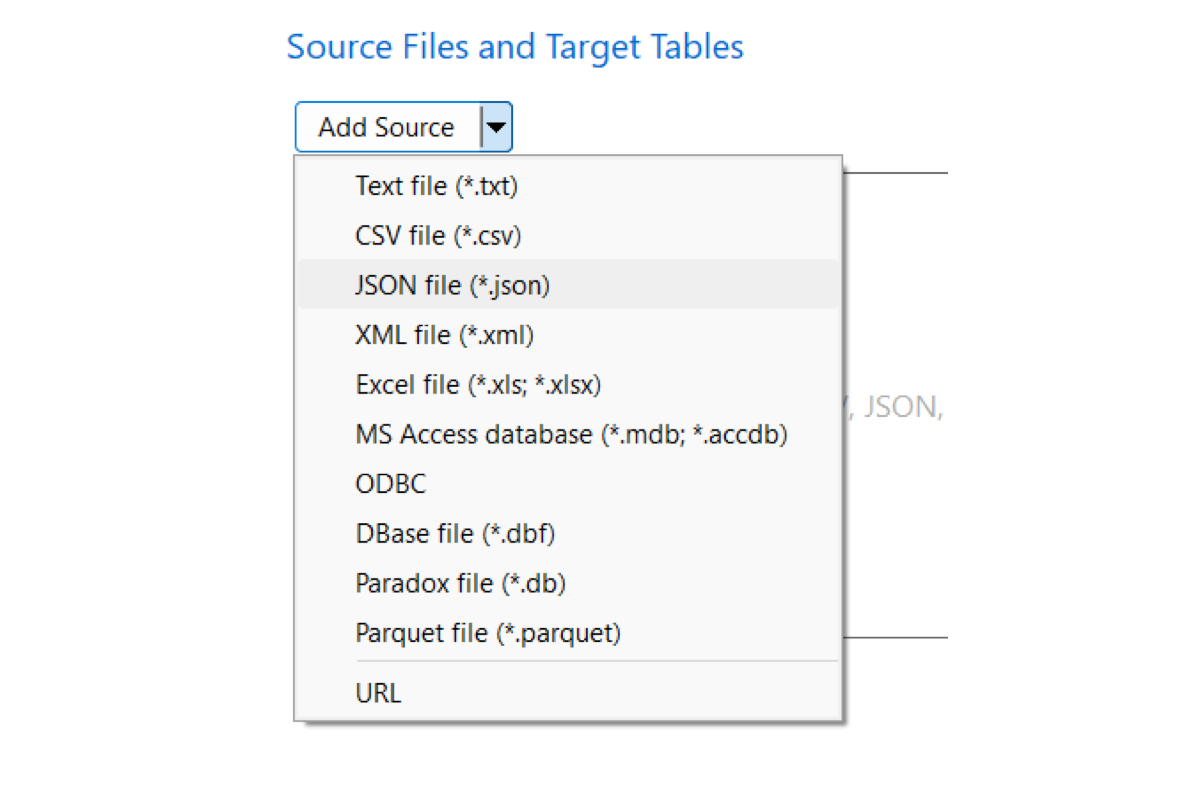
Import from TXT, CSV, JSON, XML, Excel, Access, Parquet, a URL, or an ODBC connection, and more.

Multi-Format Batch Mapping
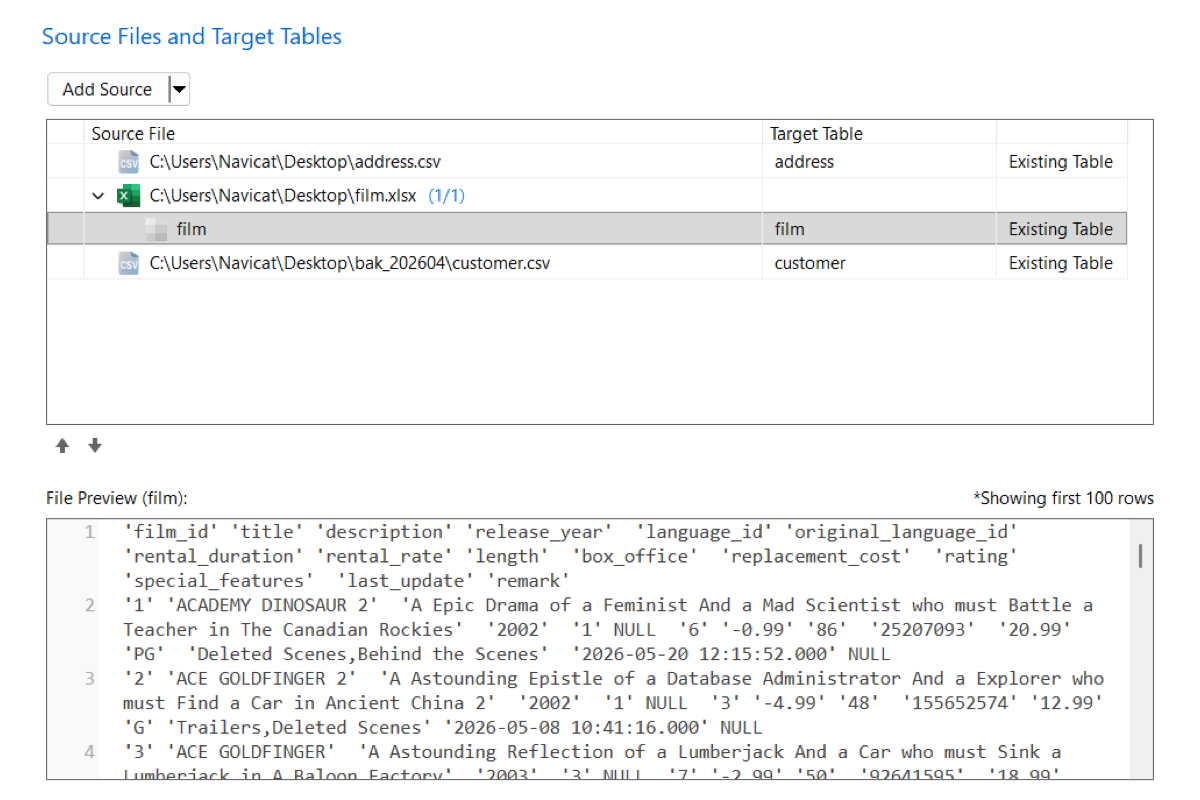
Import different formats in one batch, like CSVs with a multi-sheet Excel workbook. Auto-map or assign fields to new or existing tables and collections, and preview the file first.
Data & Field Mapping
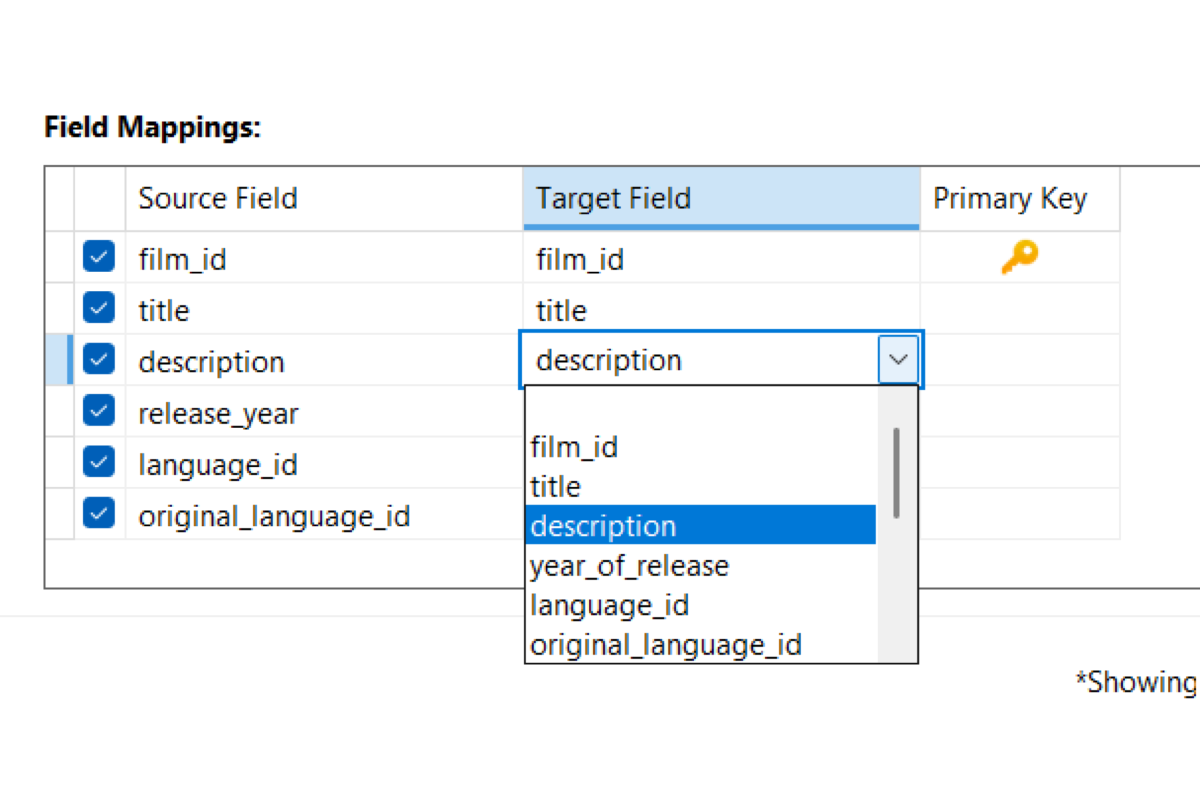
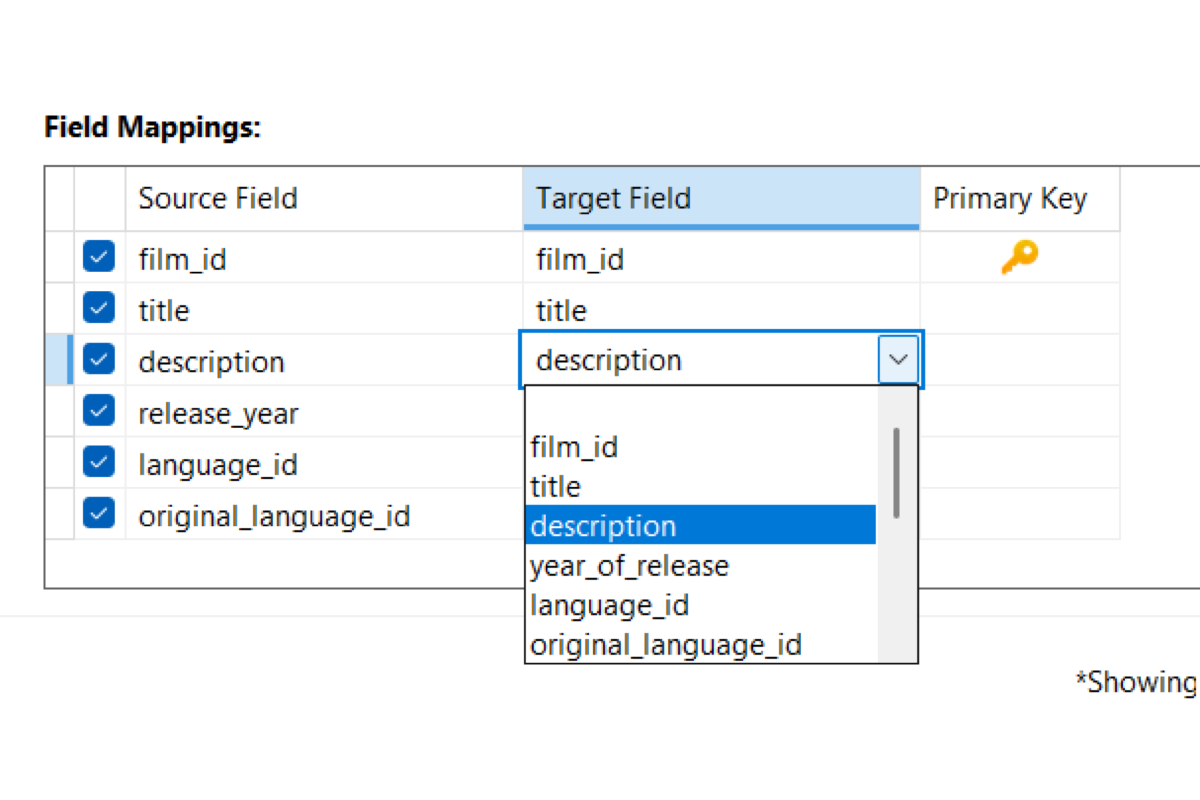
Map source columns to target fields. Change data types, set delimiters, and preview the result before you import.
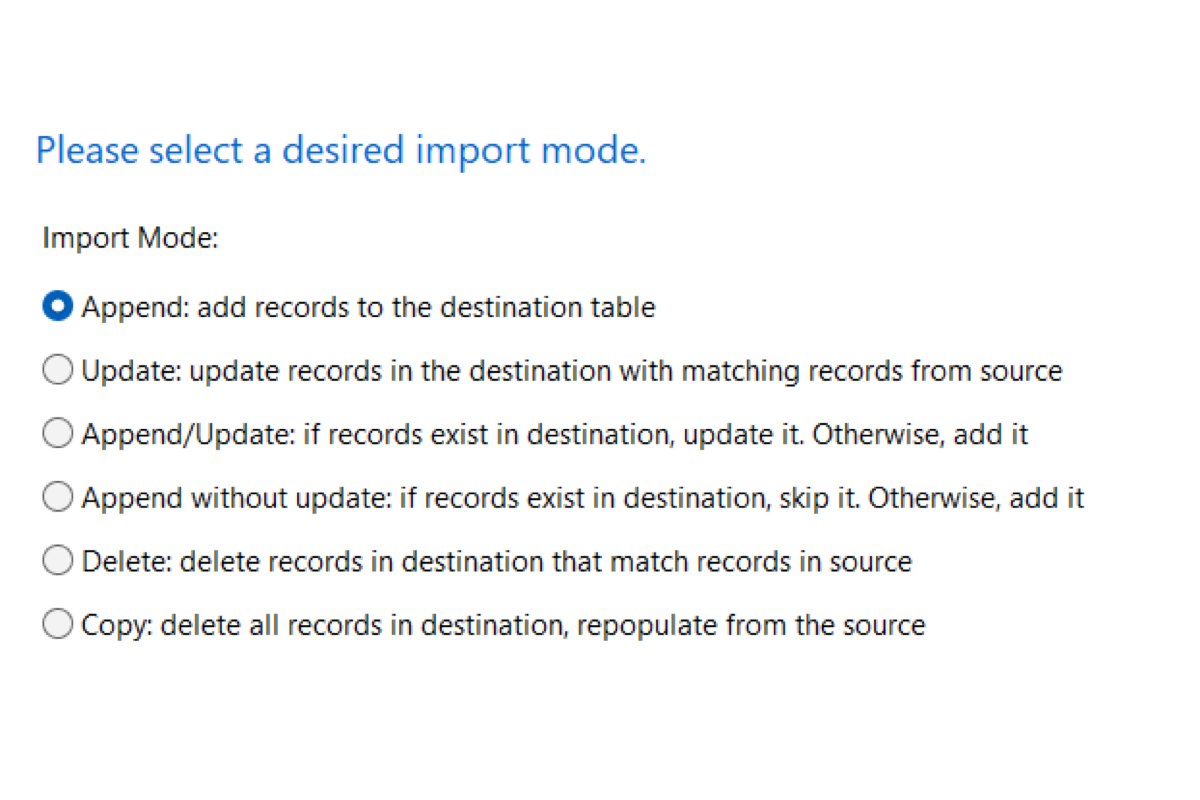
Execution Modes
Choose how records are written: append, update matches, skip duplicates, delete matching rows, or replace the table.
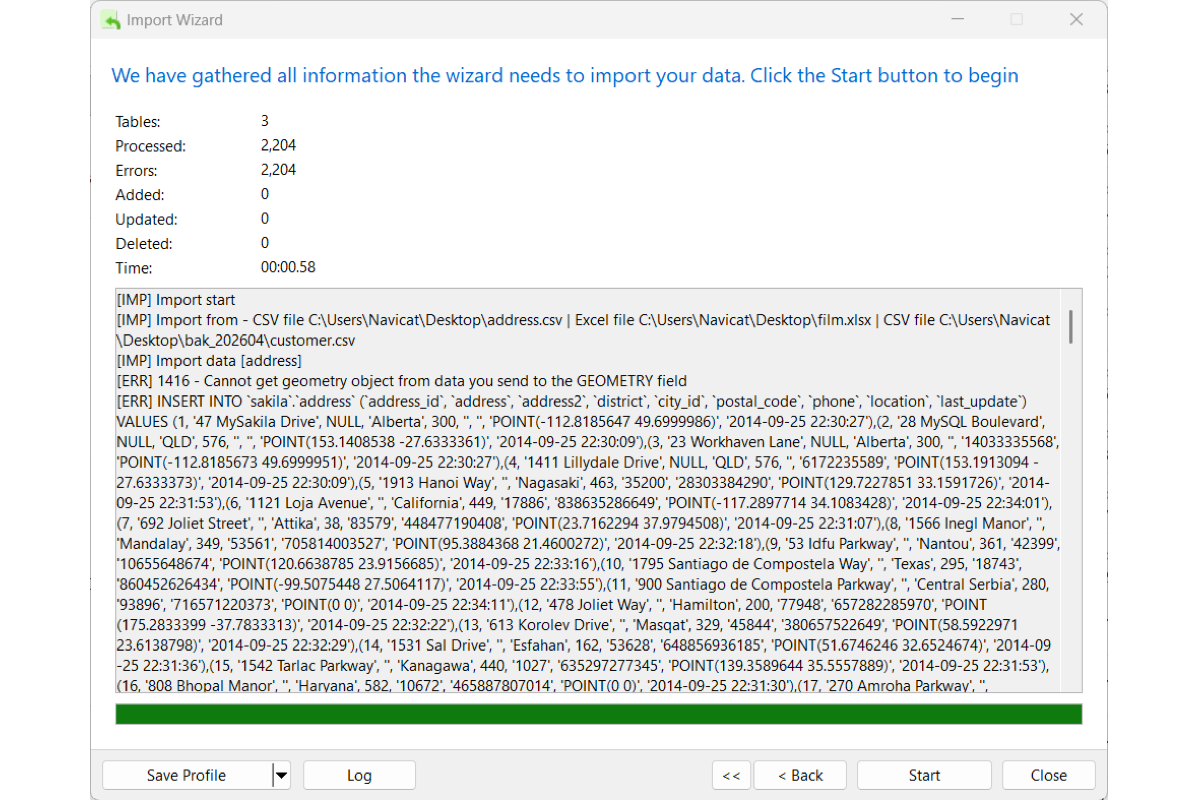
Message Log
Watch processed records, updates, and errors as the import runs.
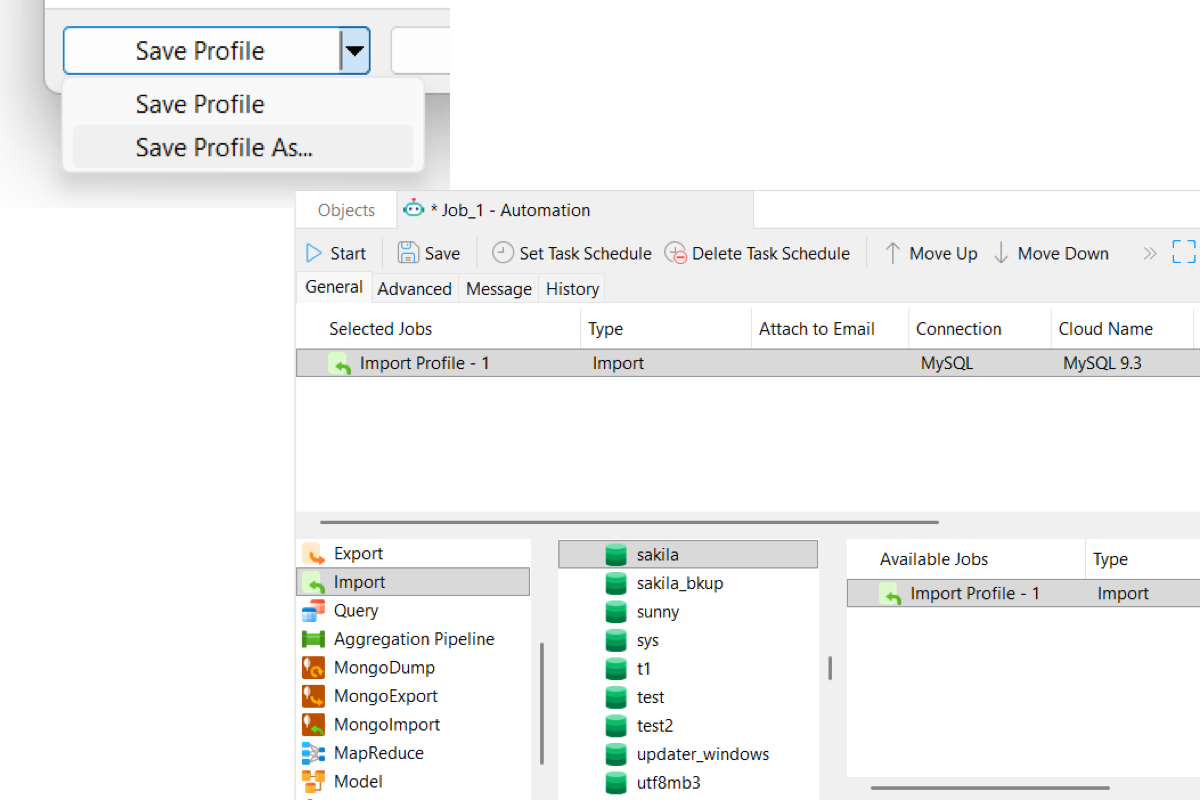
Save Profiles & Set Schedules
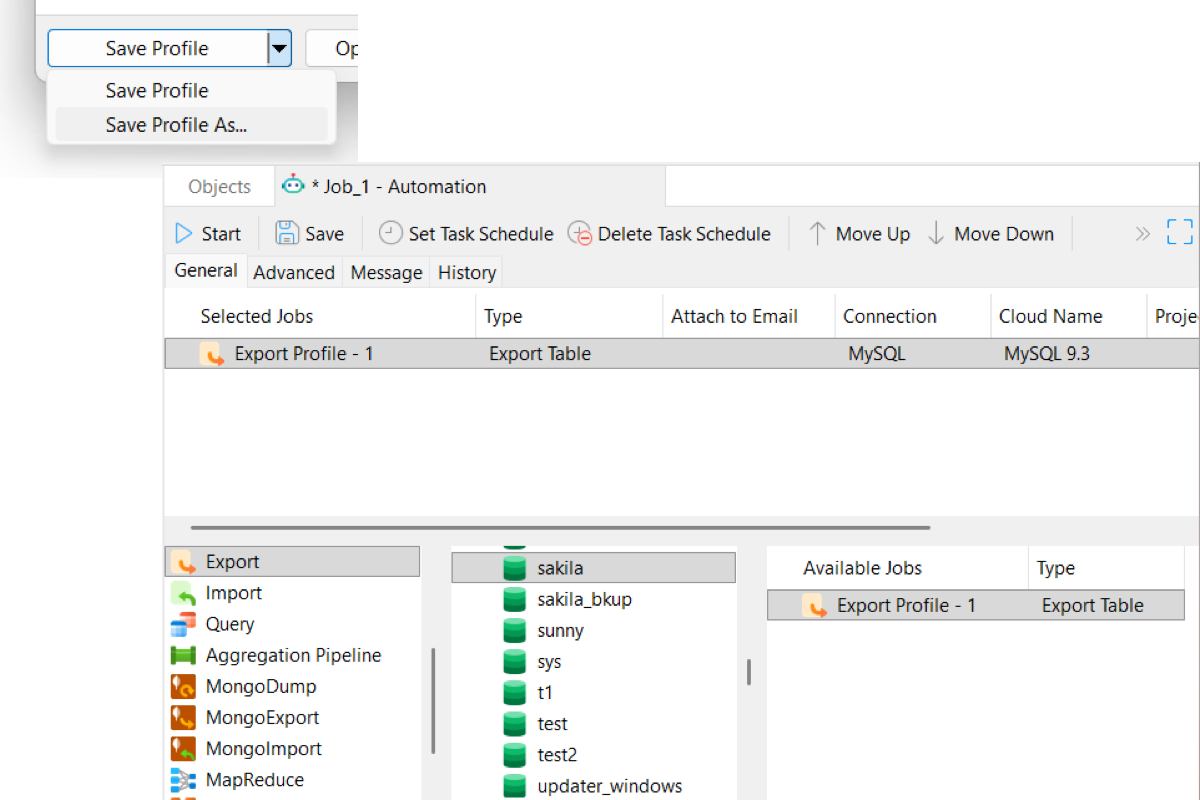
Save the import as a profile. Reload it anytime, or set a schedule for routine runs. Learn more
Data Export
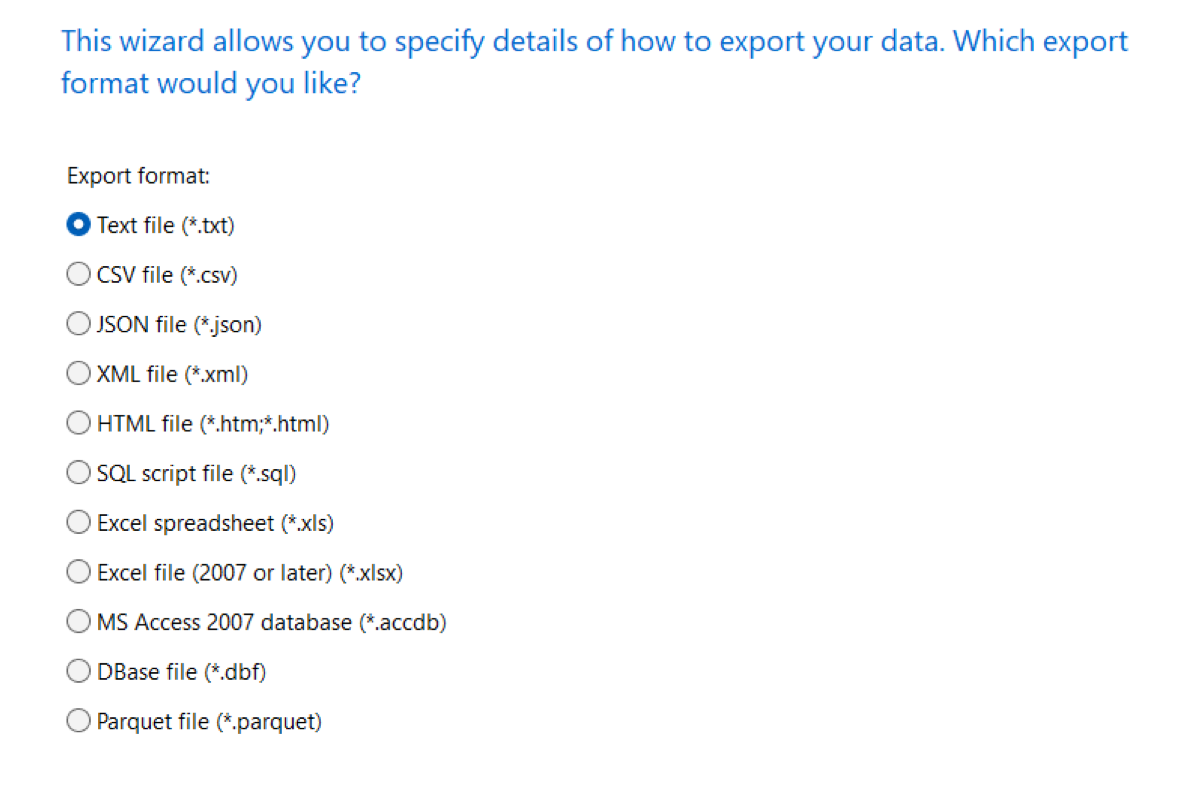
Multi-Format Support
Export tables, collections, views, or query results to TXT, CSV, JSON, XML, Excel, Access, Parquet, and more.
Batch Output Options
Export several objects into one file, like sheets in an Excel workbook, or as separate files in one folder.
Field & Formatting Control
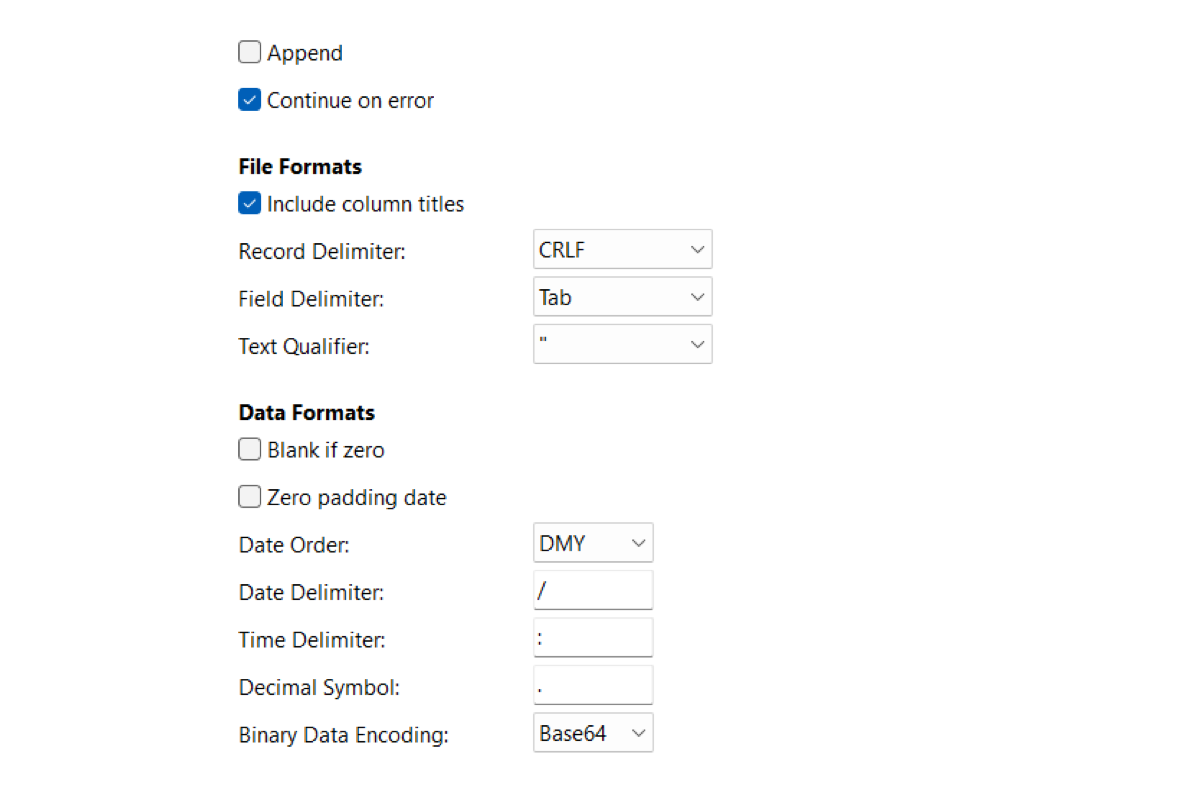
Choose columns, set file encoding, and control header formatting.
Save Profiles & Set Schedules
Save the export as a profile. Reload it anytime, or schedule a run and send the file by email. Learn more