

Data Editor for Redis
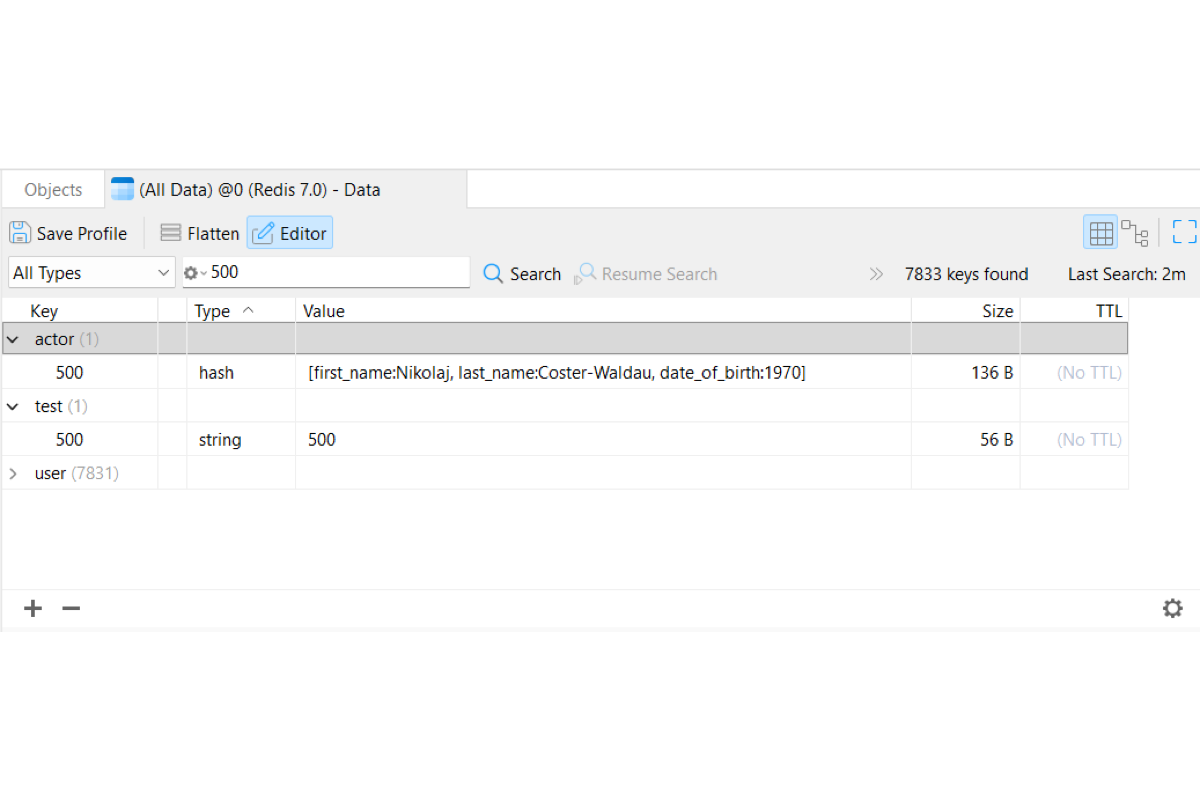
Visual Navigation & Search
Switch seamlessly between flat key lists and namespace-grouped tree hierarchies (such as transdb:zset:176). Isolate specific keys using pattern-matching search rules like Keys Contain, filter instantly by Redis data types, and sort key lists by key name, type, size, or TTL status.

Precision Key & Value Editing
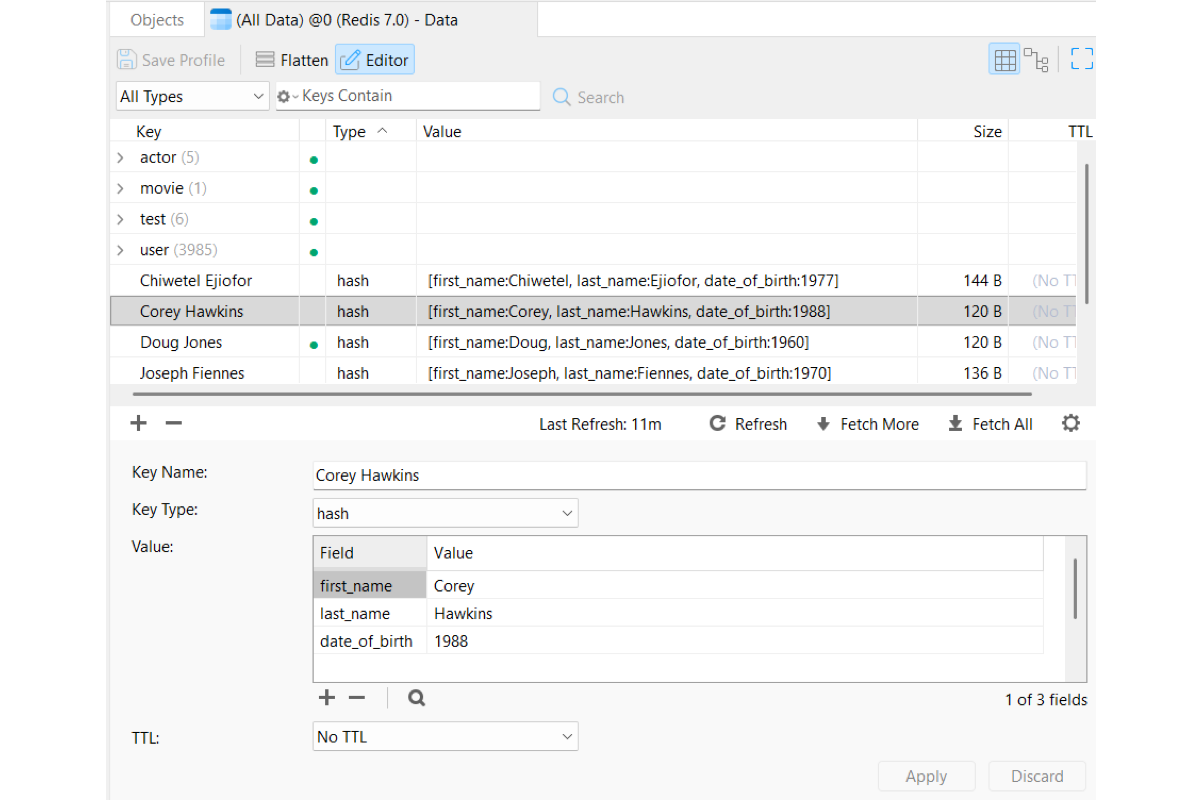
Update key names, data types, and TTL expiration settings directly while staging changes locally before applying. Inspect and modify all core Redis data structures (including Strings, Hashes, Lists, Sets, Sorted Sets, and Streams) inside dedicated editor panes with element-level controls to add, remove, or edit elements, fields, and scores.
Controlled Data Loading
Safely manage memory and bandwidth when working with large datasets using on-demand loading controls like Fetch More and customizable key limit thresholds.

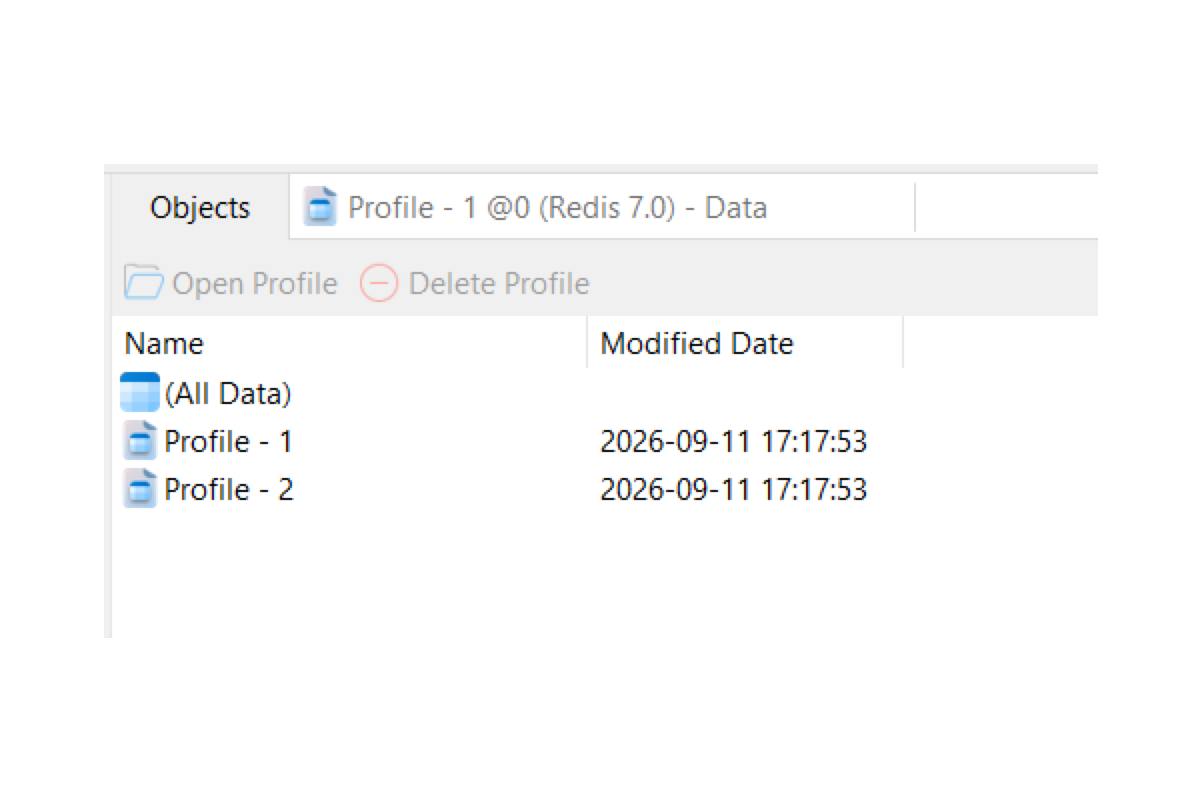
Redis Profile
Save custom search criteria, sorting rules, view modes, and display layouts to instantly restore your tailored workspace.
Save Custom Workspaces: Capture active search queries, sort configurations, view styles (Grid and Tree View), and layout preferences (Flatten) for instant reuse.
Instant Main Window Access: Access saved profiles directly under corresponding Redis databases in the main window to launch customized key views in a single click.