


Backup & Restore
Built-in Redis Backup & Restore
Back up and restore Redis datasets in Navicat. Keep data structures intact, flush keys, and reload snapshots.
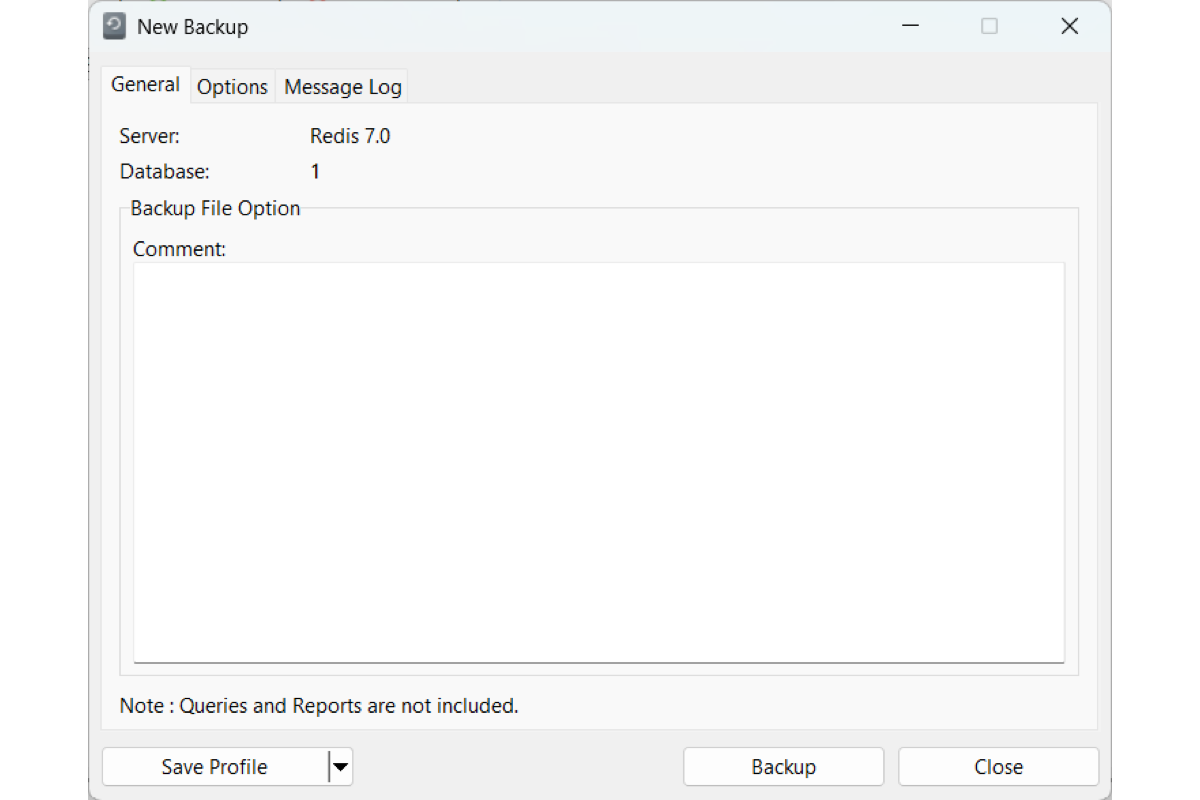
Backup Controls
Filter by key pattern and data type. Keep TTL and volatile keys, and set a timestamped filename.

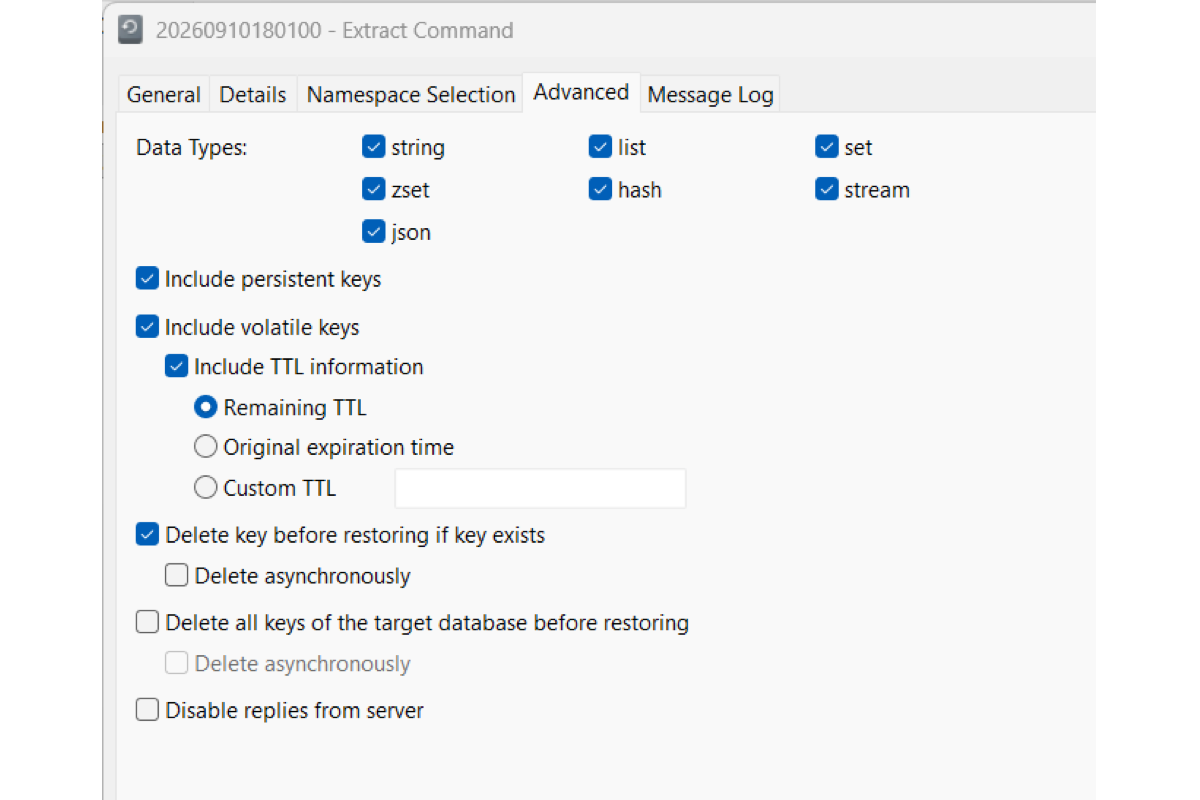
Restore Options
Restore selected databases and data types. Set TTL rules, and choose how to handle key conflicts or a flush.
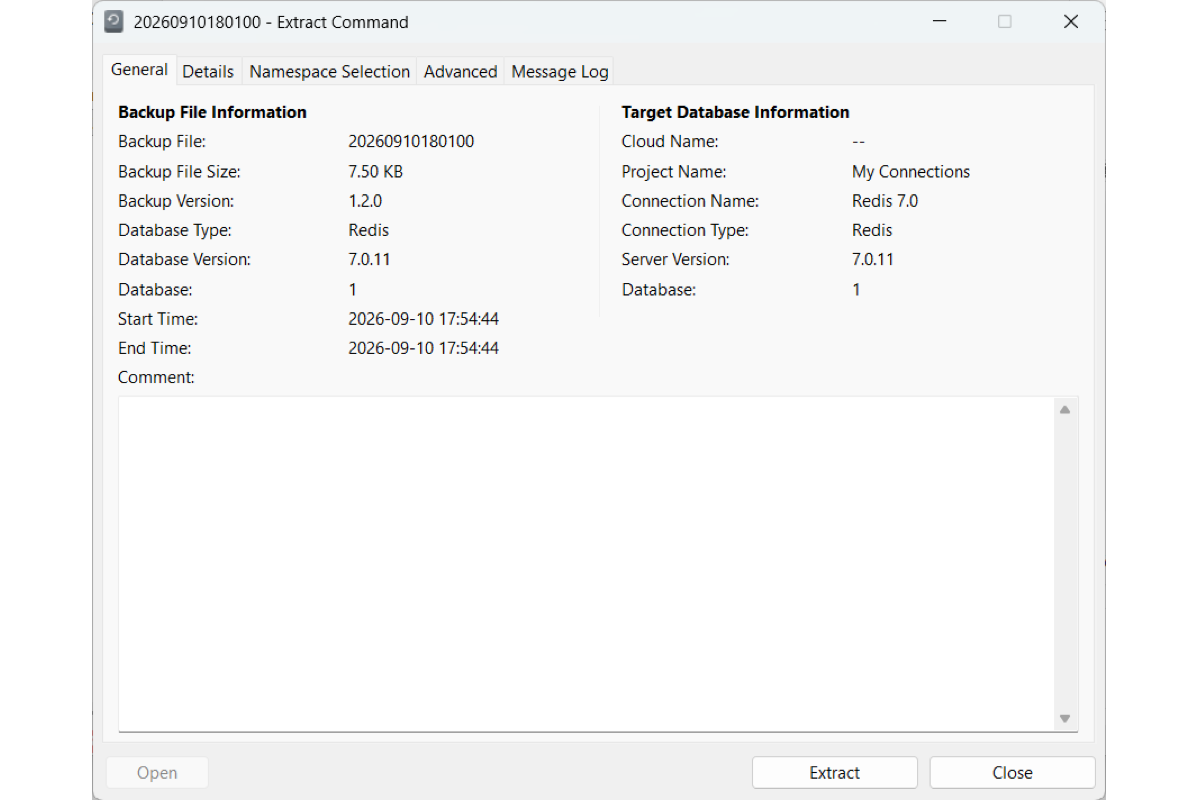
Extract Command
Pull a `.redis` command script from a backup, so you can inspect the key operations without restoring.
Cross-Platform Restore
Restore a backup made on Windows, macOS, or Linux from any of those platforms.
Save Profiles & Automate Tasks
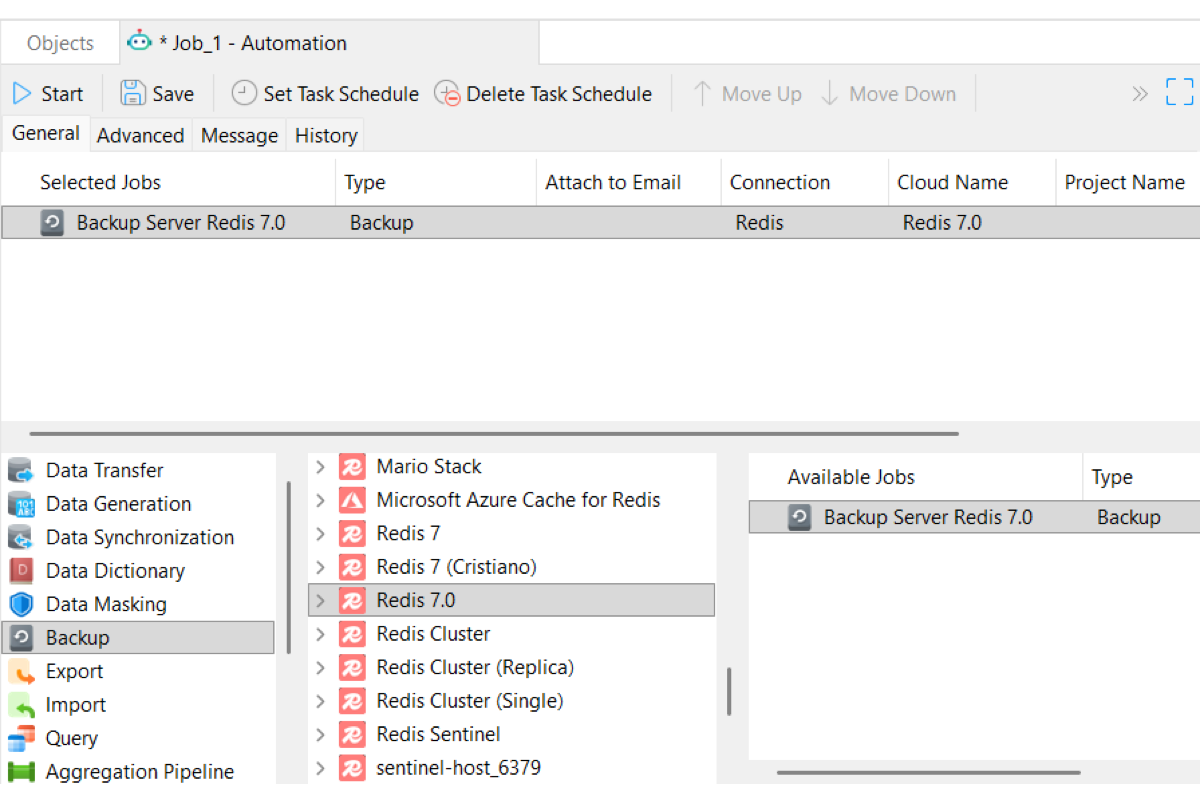
Save your settings as a profile. Reload it anytime, or add it to a scheduled batch job. Learn more
Dump & Execute Command File
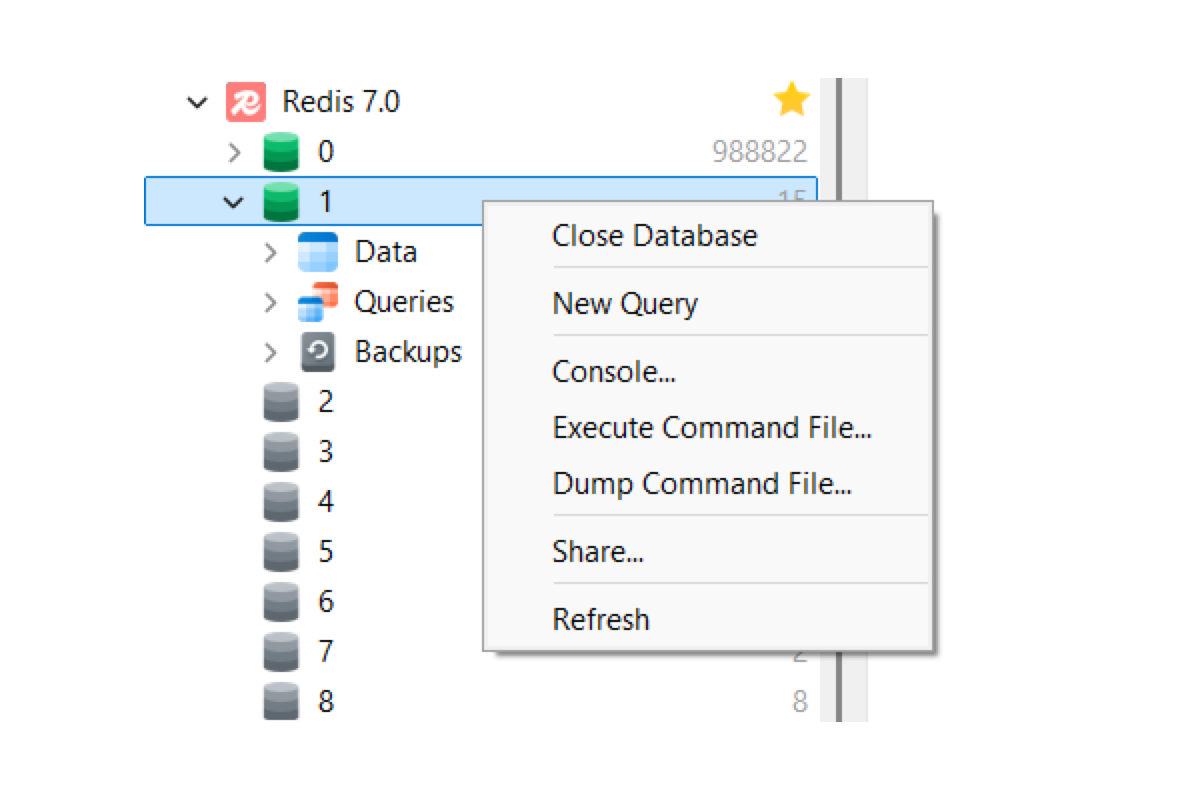
Export keys and data structures to a Redis command file, or run one with progress in the message log.